
Hide email addresses when recording or sharing your screen
Updated 6 November 2026
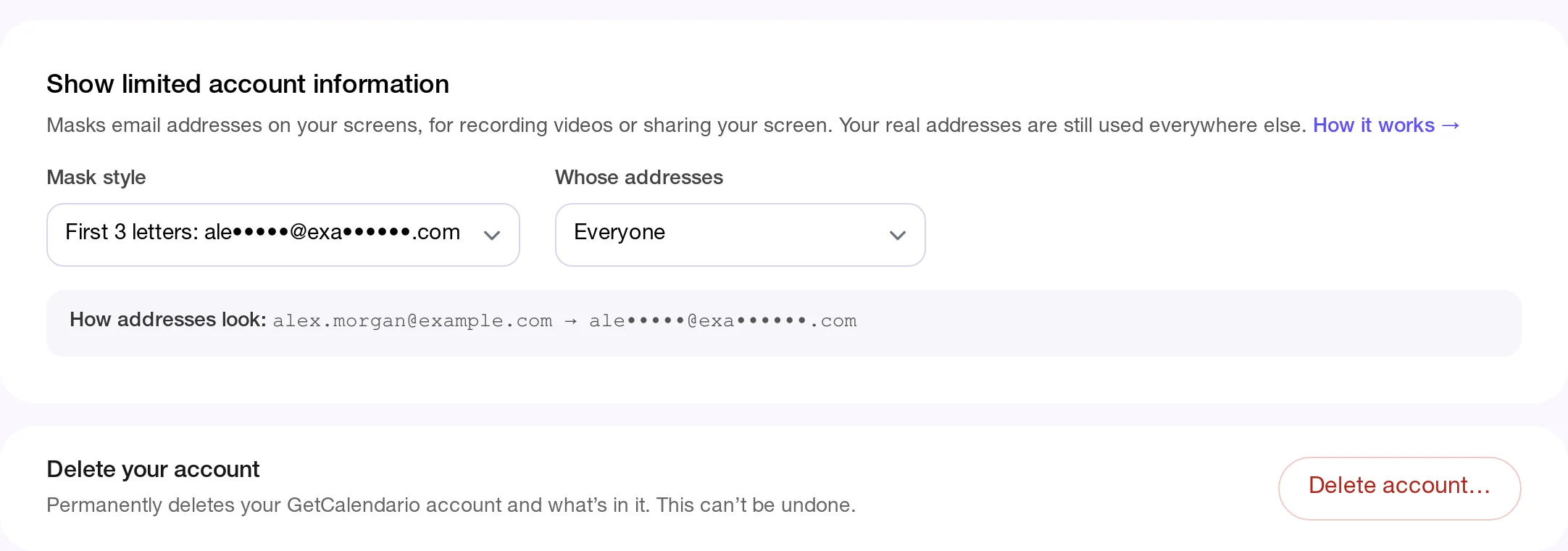
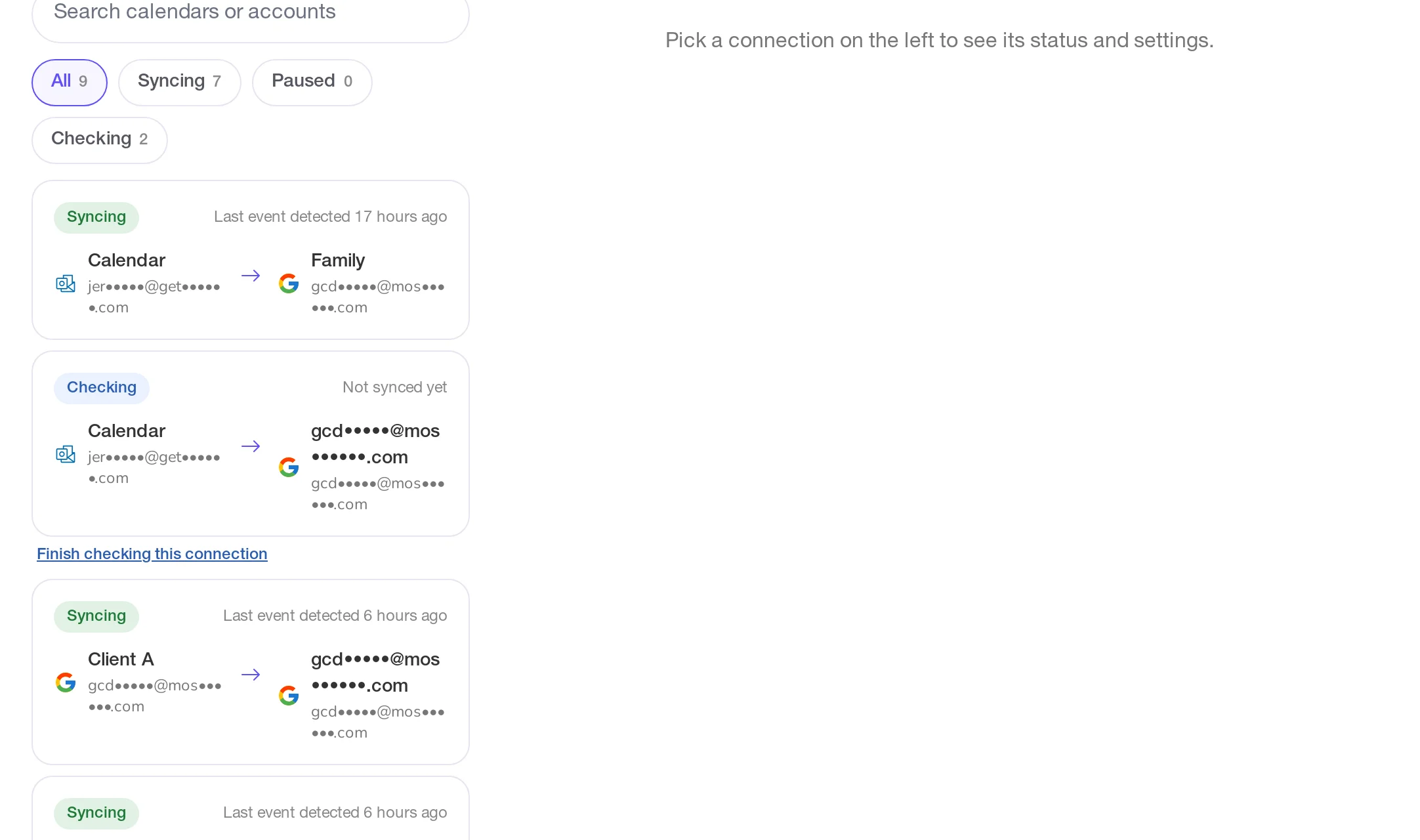
Show limited account information masks the email addresses GetCalendario shows you, such as gcd•••••@mos••••••.com instead of the real address. Your accounts still look real and connected, and everything keeps working. Turn it on before you record a video or share your screen, and off again afterwards.
How do I turn it on?
- Open Settings. The Your details tab opens first.
- Find Show limited account information.
- Choose a Mask style. The page reloads with your addresses masked.
Which mask style should I pick?
- First 3 letters:
jer•••••@gma••••••.com. Easiest to tell your accounts apart on screen. - First letter:
j•••••@g•••••.com. Hides more. - All hidden:
•••••@•••••.com. Hides everything except the ending.
Every masked address is the same length, so its length never hints at the real one.
Whose addresses are masked?
Under Whose addresses:
- Everyone (the default): every address on your screens, including your teammates, the people you share calendars with, and people invited to your events.
- Only my connected accounts: just your own sign-in address and the Google, Microsoft and Apple accounts you connected. Other people's addresses show as normal.
Can I still type an email address?
Yes. While it's on, a box you type an email address into shows dots instead of letters, like a password box. Click the eye at the right of the box to peek at what you typed. What you type is saved as normal.
What isn't masked?
- Google's, Microsoft's and Apple's own pages, such as their sign-in screens.
- The emails we send you, and files you download, such as backups.
- Our own addresses, like support@syncromate.com, so you can always reach us.
If you try to save something that still shows a masked address, GetCalendario stops and asks you to turn off limited account information first, so nothing masked is ever saved.
How do I turn it off?
Set Mask style back to Off in Settings, on the Your details tab.