
How to turn on Support details (if our support team asks)
Updated 4 November 2026
Support details shows a small grey reference number next to the things in your account, such as Connection #178 or Calendar #68. You only need it when our support team asks for it. The numbers tell us exactly which connection, calendar or rule you mean, even when two of them have the same name.
How do I turn it on?
- Open Settings. The Your details tab opens first.
- Find Support details and switch it On.

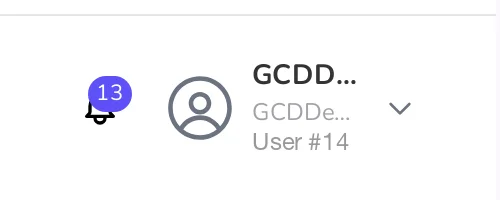
Your own number, User #…, appears straight away under the switch, and under your name at the top of the menu.
Where do the numbers appear?
- The menu at the top: your own user number.
- Home: each connection, each calendar account and each calendar in it.
- Sync Rules: each rule.
- People & Team: each person.
- Daily Backups: your backup destination.
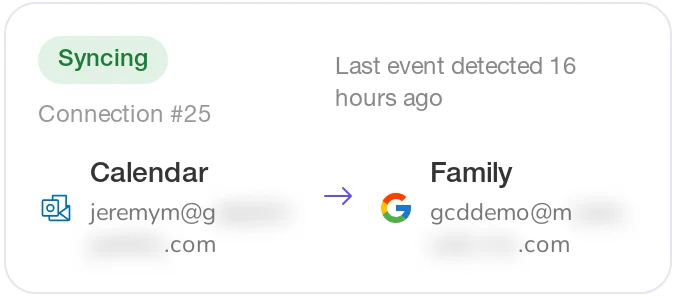
Click a number to copy it, then paste it into your message to us.
How do I turn it off?
Switch Support details back to Off in Settings, on the Your details tab. The numbers disappear, and nothing else in your account changes. Leaving it on does no harm either: the numbers mean nothing to anyone outside our support team.